Microsoft Bing Ads Conversion Tracking, also called Microsoft Ads Conversion Tracking, is a crucial tool in the world of digital advertising. It allows advertisers to track and measure the success of their campaigns by monitoring conversions, which are actions that users take on their website or landing page. By implementing Bing Universal Event Tracking tags and conversion tracking effectively, you can gain valuable insights into the performance of your PPC (Pay-Per-Click) campaigns and optimize them for better results.
The TikTok Event API Tracking is a powerful tool that allows advertisers to take their tracking capabilities to the next level. By implementing TikTok Event API Tracking for advanced conversion tracking, advertisers can gain valuable insights and optimize their ad campaigns for maximum ROI.
The Facebook Conversion API (CAPI) is an important tool for tracking data in Facebook ads. It offers a more accurate and reliable solution compared to traditional tracking methods. By using the Meta Conversions API, businesses can improve the accuracy of their data and attribution modeling. This can help them optimize their campaigns better and get more value from their ad spend.
Google Analytics 4 (GA4) is the next generation of Analytics that revolutionizes the way we measure and analyze data from websites and apps. Unlike its predecessor, Universal Analytics, GA4 collects event-based data, providing a more comprehensive understanding of user interactions and behaviours.
Server side tracking has become an essential aspect of data collection in the digital age. Unlike client side tracking, which relies on tags and pixels embedded in a website's code, server side tracking involves sending data from these tags to a web server. This method offers several advantages, including improved reliability, control, accuracy, and application and device performance.
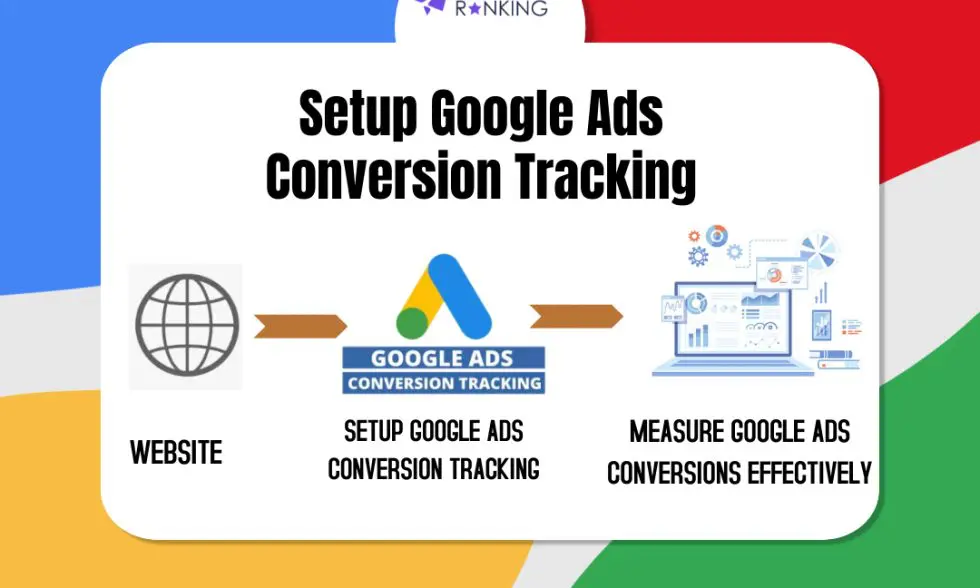
Google Ads Conversion Tracking is a pivotal tool for advertisers aiming to measure the success of their online campaigns and drive valuable actions on their websites. By accurately tracking conversions, businesses can make informed decisions to optimize their Return on Investment (ROI) and enhance the overall performance of their advertising efforts.
Google ads conversion tracking is critical for everyone who wants to earn from PPC advertising in the long run. It allows to make corrective decisions based on the information gathered.
A client-side tracking website uses a container on the page to transfer measurement data to multiple third-party tracking platforms. This container operates on the user's browser and has a direct connection to your tracking tools' mother server.
Server side tracking bridges the gap between the two by allowing you to develop your tracking server side container. Google Tag Manager server side tagging is hosted on the servers (Like Google Cloud Platform, Stape.io, or your server) and functions as a middleman between your client-side tracking and marketing vendors.
Data is delivered from the browser to the GTM server-side instance and then forwarded to your tracking tools. This allows you to control data from being sent to your tracking tools and save data resources, resulting in a better user experience.
In this blog, I will walk you through the process of configuring Google Tag Manager server side tagging.
The best time to learn about Google Analytics 4 is now, as Universal Analytics is being phased out gradually. GA4 is a fully redesigned platform as compared to earlier iterations. New steps to configure, new data model, new interface, new tag template in Google Tag Manager, etc.
Most teams that set up GTM server-side tracking hit the same wall: the web container and server container aren't talking to each other correctly. Data gets lost, events don't fire, and you're left guessing whether your server-side setup is actually working.There are two ways to send data from your GTM web container to the server containerthe native GA4 transport method and Stape.io's Data Tag. The native method works for basic GA4 setups, but it has limitations: it can't send data arrays, it requires manually mapping every variable, and it gives you no way to transform or store data between pages.This guide shows you how to use the Data Tag + Data Client method to transfer data from your web container to your server container with the exact configuration we use for client setups.