
No products in the cart.



Google Ads Enhanced Conversion Tag Setup (Server Side)
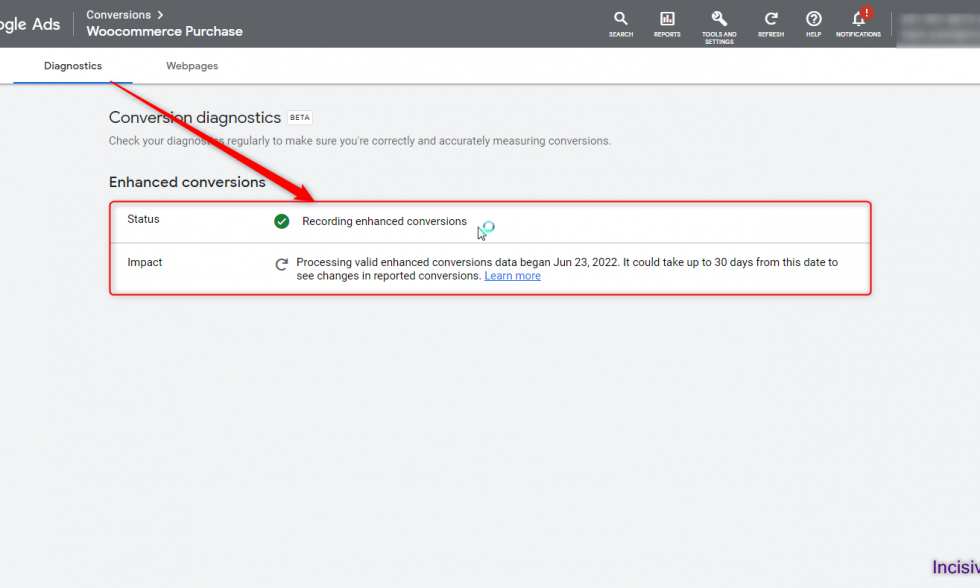
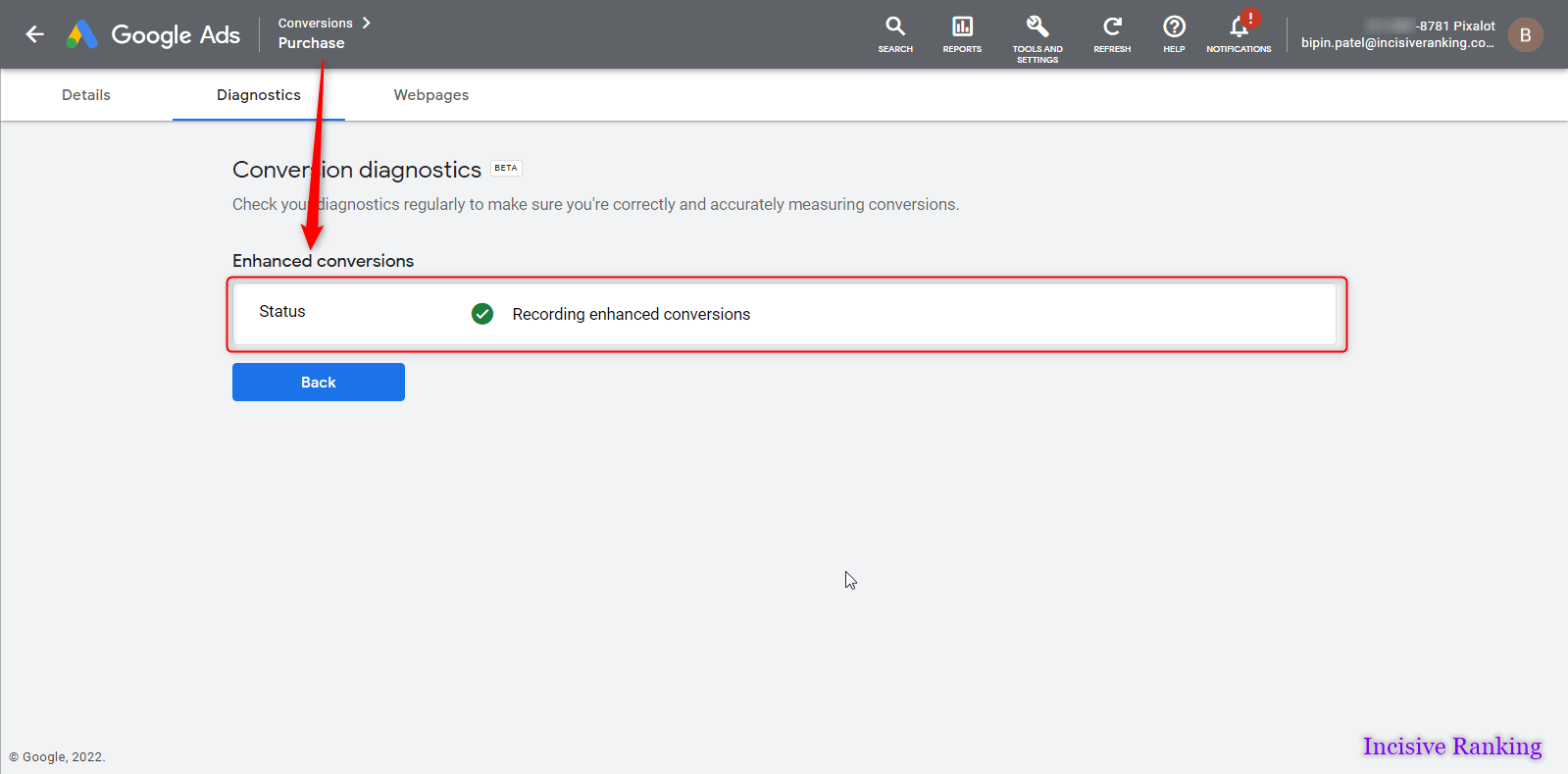
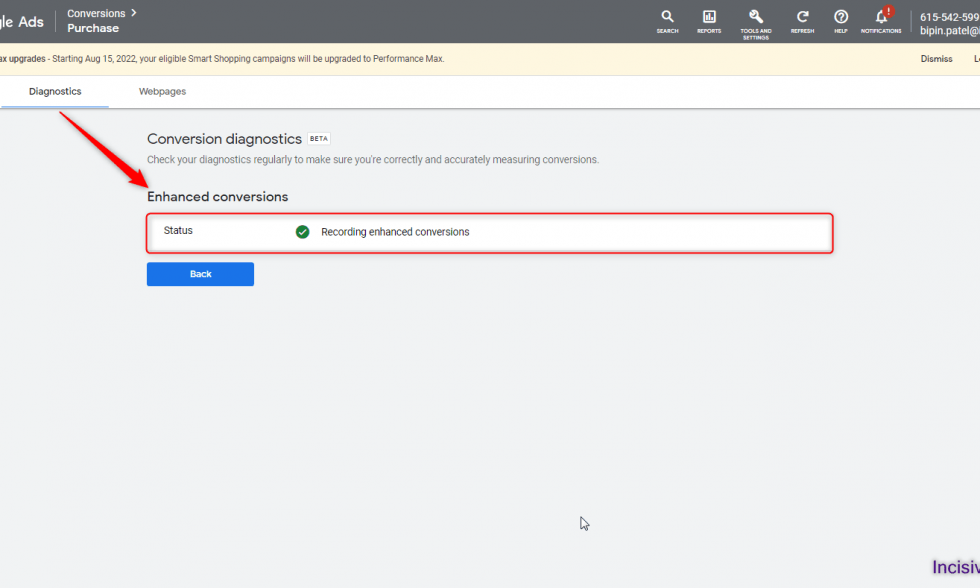
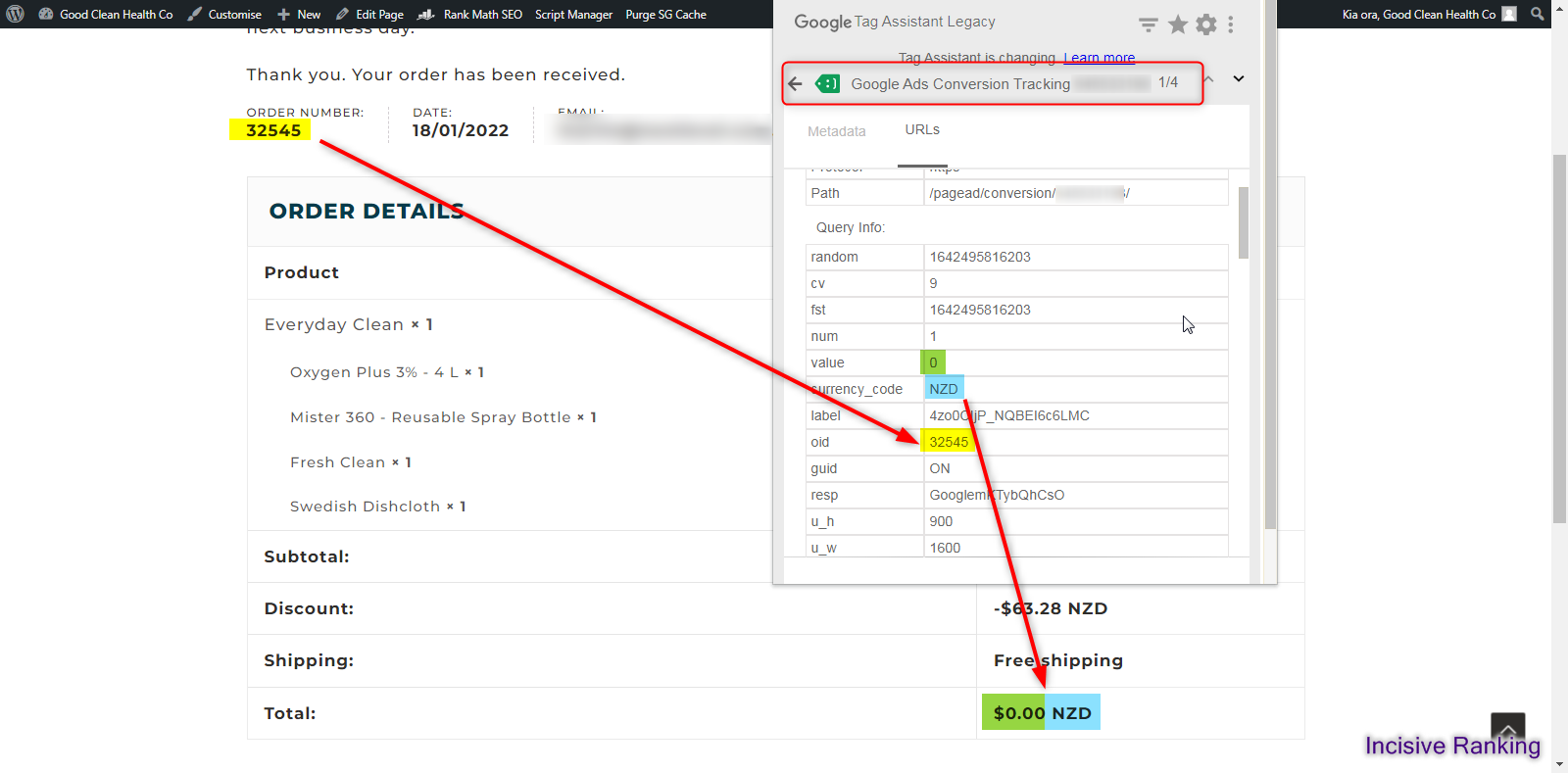
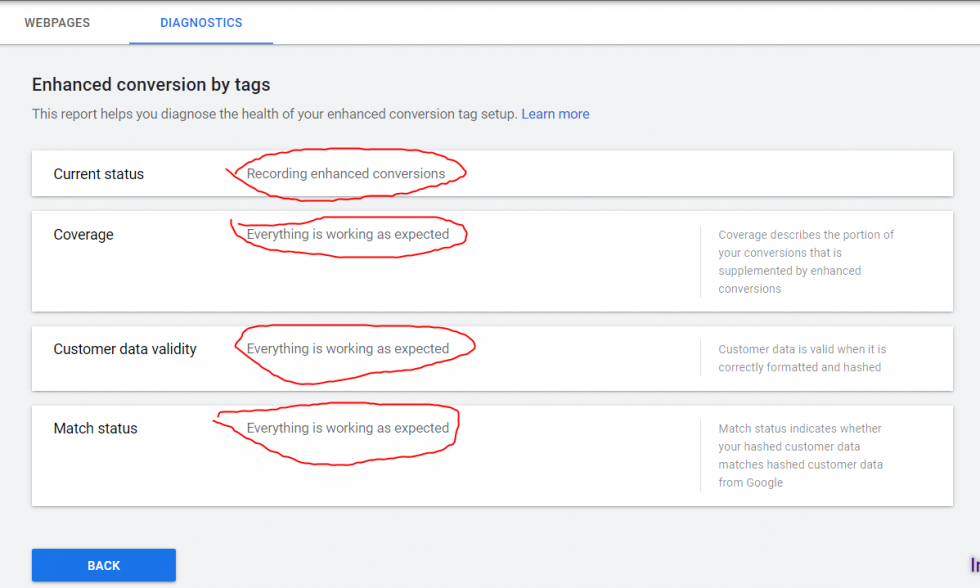
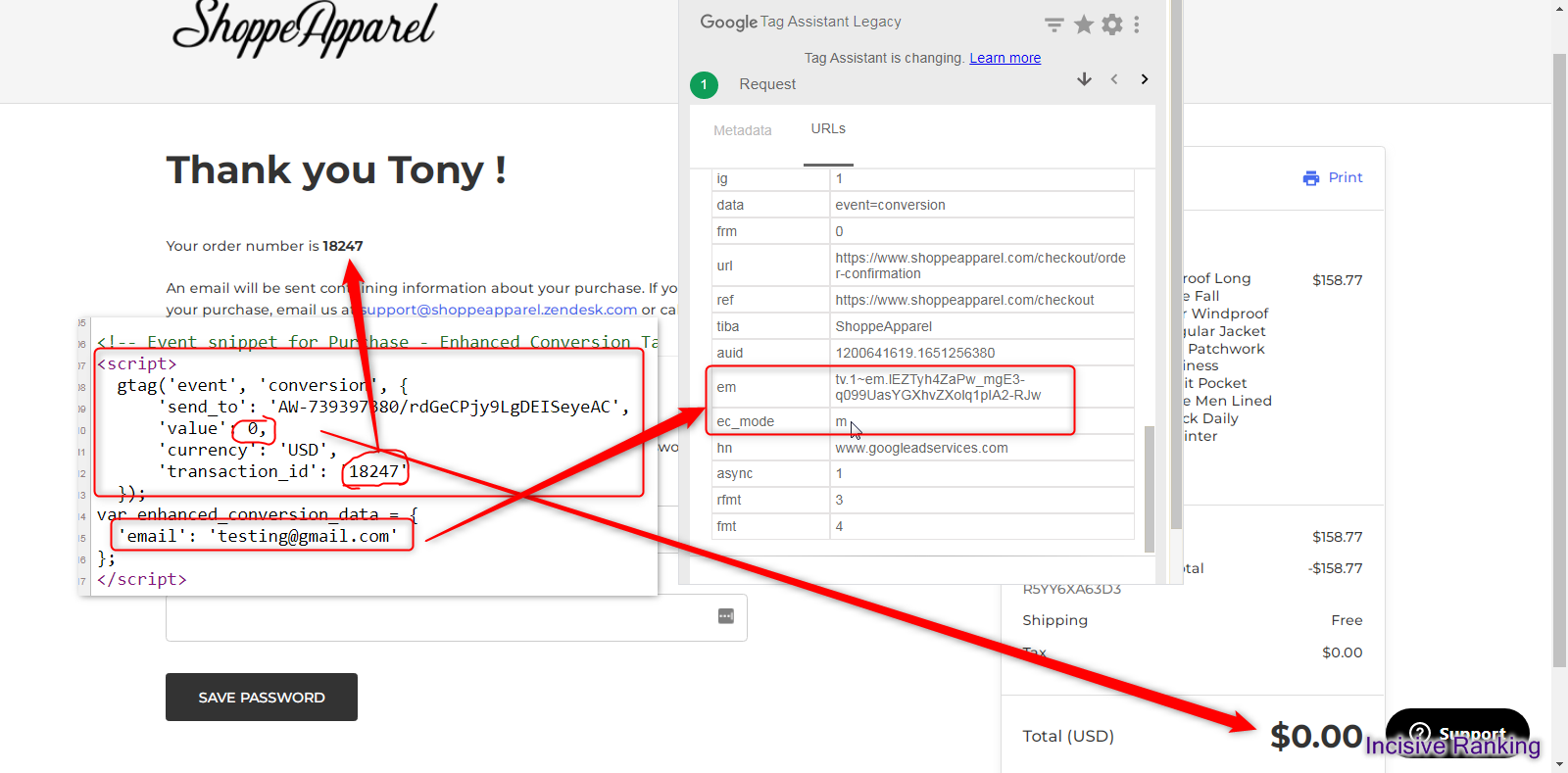
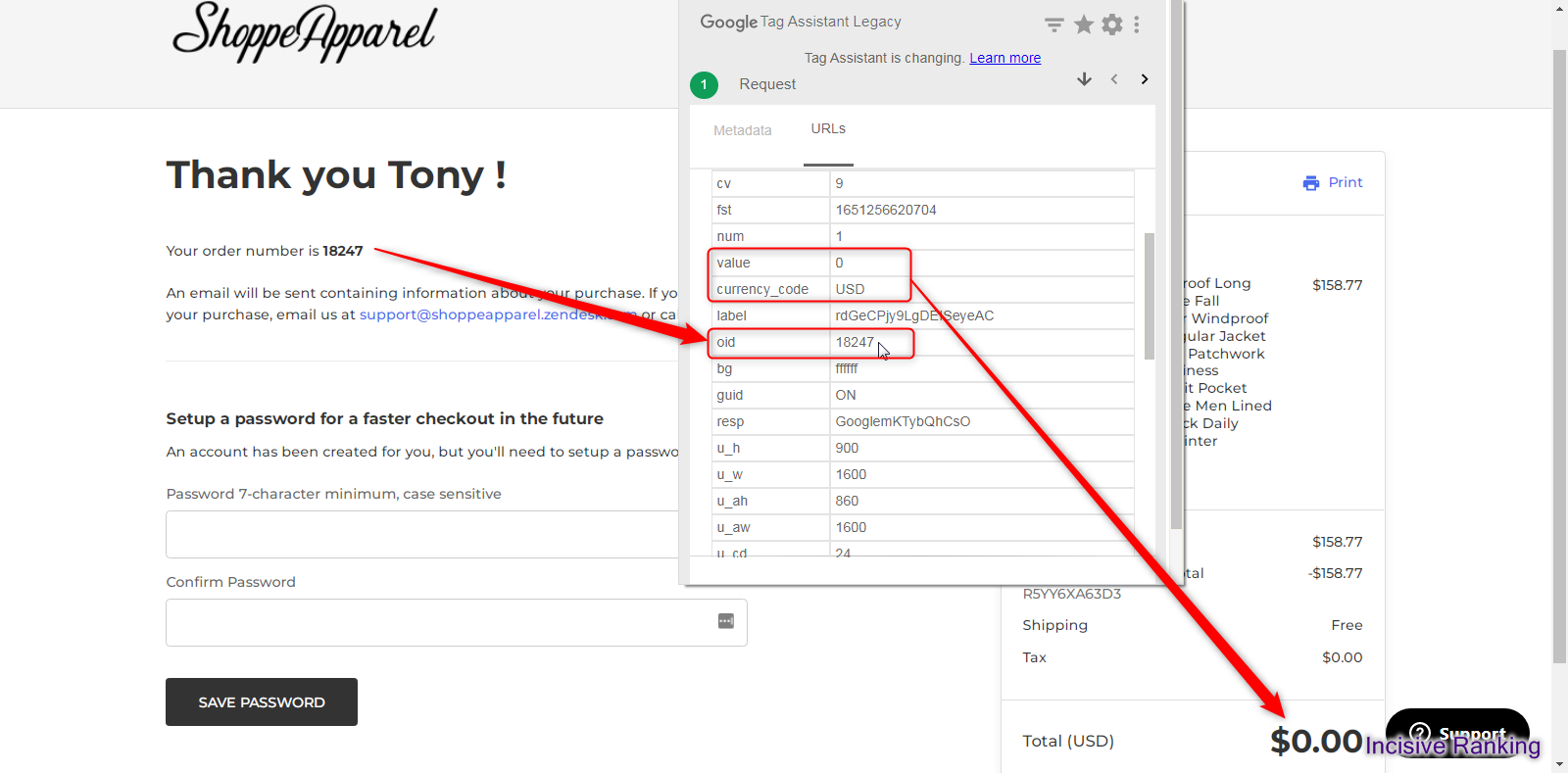
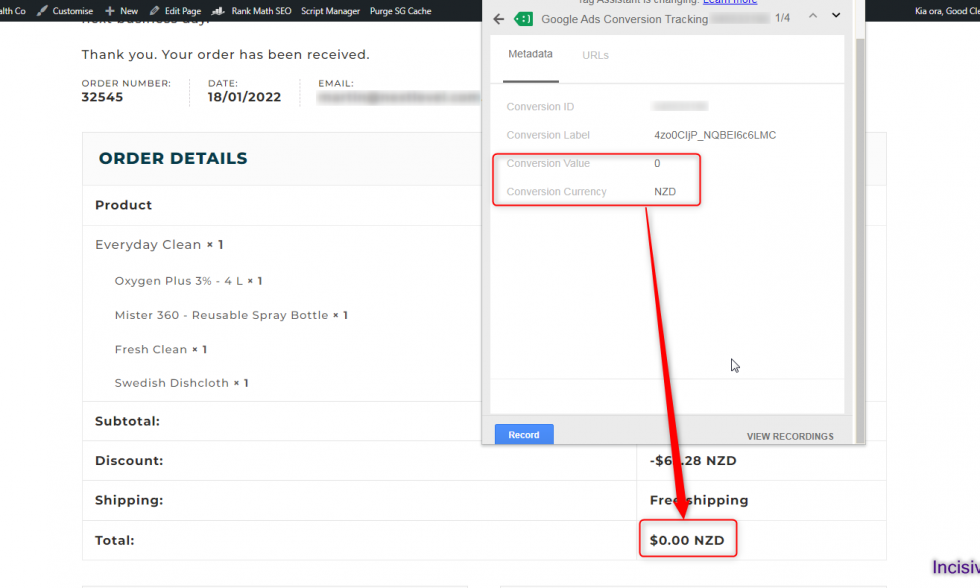
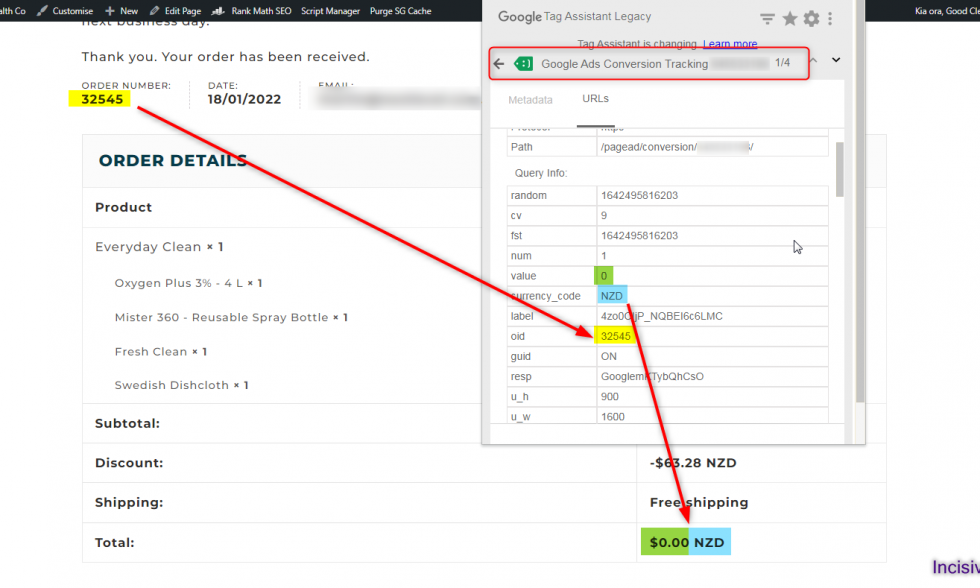
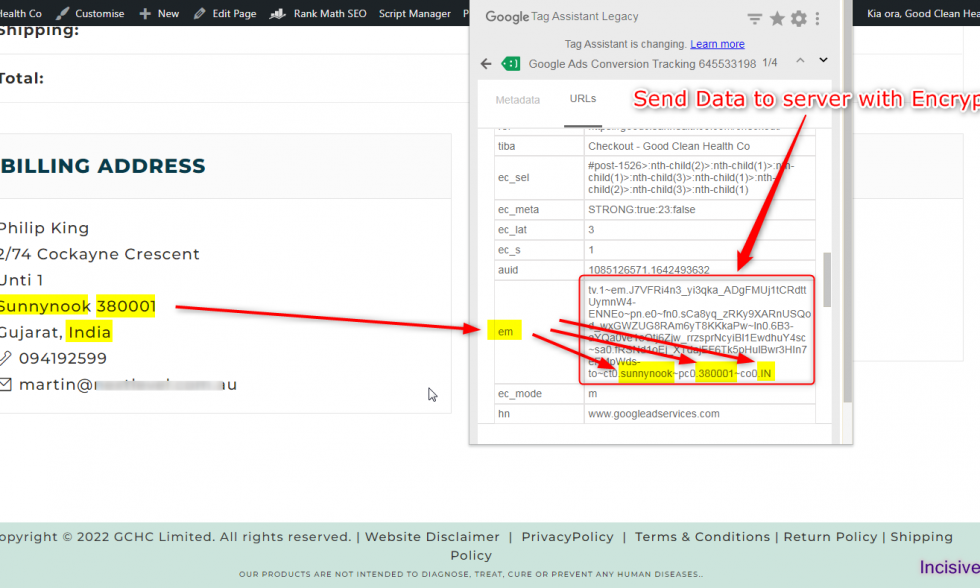
Here, I have attached the Successful Past Projects’ Results of my previous clients for Google Ads Enhanced Conversion Tracking.
✅ Services Included in This Setup:
We don’t just install tags—we solve problems and maximize accuracy. Here are the core features delivered in our advanced Enhanced Conversion setup:
- ✔ Google Conversion Tag installation and optimization
- ✔ Remarketing & Dynamic Remarketing Tag Setup
- ✔ Google Ads eCommerce Tracking: Add to Cart, Begin Checkout, Purchase
- ✔ Google Enhanced Conversion configuration (for Purchase and Lead Events)
- ✔ Server‑Side Tracking for unmatched accuracy
- ✔ Custom Data Layer implementation for all events
- ✔ Full support for setup on Shopify, WooCommerce, Magento, Wix, custom CMS, and other platforms.
🛠️ Fixes for Common Google Ads Tracking Issues
We often resolve:
- ❌ Enhanced conversions not firing or missing key fields
- ❌ Duplicate conversions (misconfigured tags)
- ❌ eCommerce revenue not tracked in Google Ads
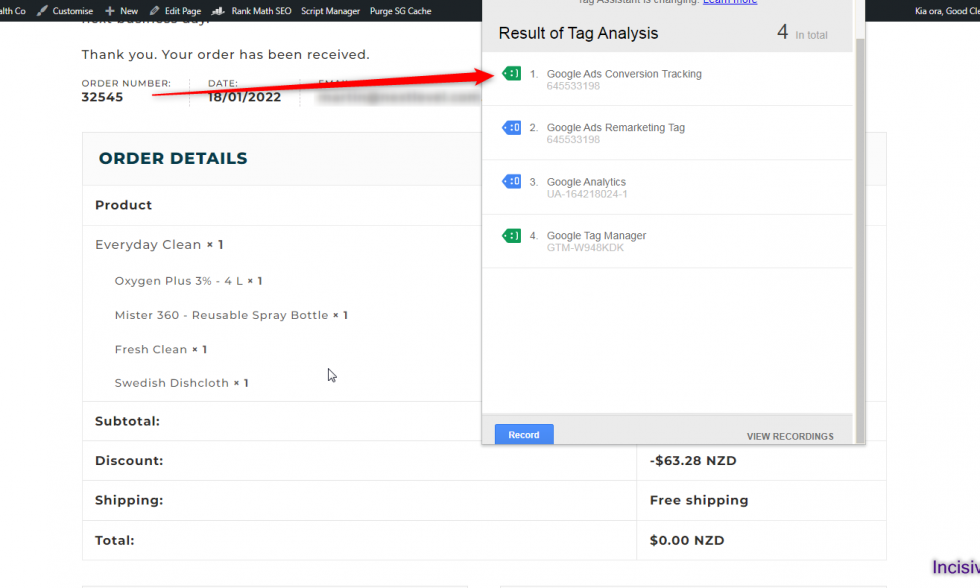
- ❌ Conversion tags not firing or being recorded
- ❌ Missing event parameters or diagnostic errors in Google Ads
💡 If you need to troubleshoot enhanced conversion or duplicate conversion issues, we’ve done it hundreds of times—precisely and permanently.
🎯 Capturing Rich Conversion Data
We ensure every data point is tracked, including:
- Product ID, Quantity, Name, Order Value, Currency, Transaction ID
- Customer info for Enhanced Conversions: Email, First Name, Last Name, Country, Phone, and Postal Code
- Form submissions, Call Clicks, Mail Clicks (Custom Event Tracking)
- If you’re wondering how to set up Google Ads Enhanced Conversion tracking that works even with privacy limitations, this is the method top brands trust.
🚀 Why This Setup Works
- Eliminates Wasted Ad Spend
- Optimizes Algorithm Performance (Performance Max, Smart Shopping, Search)
- Future‑Proofs Tracking – hybrid client-side + server-side approach resilient to browser/privacy changes
- via server-side conversion tracking empowering your campaign strategies
👨💻 Why Clients Choose Incisive Ranking
At Incisive Ranking, we’re not just implementation experts—we’re conversion accuracy strategists. With over 8 years of experience and 2,500+ projects completed, we specialize in:
- 🏷️ Google Tag Manager
- 📊 Google Analytics (GA4)
- 🛒 eCommerce & Google Ads Conversion Tracking
- 🔄 Google Enhanced Conversion and Server-Side Integrations
- 🎯 Shopify, WooCommerce, Magento, Wix, Custom CMS tracking setups
- 🔧 Multi-platform conversion API support (Meta, TikTok, SnapChat, Pinterest, etc.)
✅ Ready to Boost Your Conversion Tracking?
Book a Free 30‑minute Tracking Transformation Call and see what accurate Enhanced Conversion tracking can do for your business.

What are Enhanced Conversions in Google Ads?
Google Ad/Adwords enhanced conversion tag was developed to assist advertisers in more accurately measuring their conversions within Google Ads. Enhanced conversions are a feature that augments existing conversion tags with hashed first-party consumer data from websites to improve conversion tracking accuracy.
How does Google Ads Enhanced Conversion Tag work?
Setting up a tag that automatically transmits a click identifier, such as a GCLID, and an order ID to Google Ads when a user converts is required for enhanced web conversions.
Let me explain with an example: Assume that a customer, while they are logged in to their Google Ads account, clicks on your Google Ad campaign, which you are conducting to redirect them to a certain product. Say, the client did not convert after arriving at the website but rather surfed around. Later, when the customer returns to the website directly, the Google Ad/Adwords enhanced conversion tag will send the first-party customer data in your conversion tracking tags, hashed, and then sent to Google Ads in its hashed form, where it is then used to match your customers to Google accounts that they were signed into when they engaged with one of your ads.
Types of Enhanced Conversion
In Google Ads, you can set up two sorts of enhanced conversions: web and leads.
Enhanced Conversion for purchase: Those who want to track online conversions can use Enhanced Conversions for Web. When a user purchases on your site, encrypted first-party data (the user’s name, email address, phone number, and address) is transferred to Google Ads.
Enhanced Conversion for Lead: Lead conversions are appropriate for individuals who want to measure offline conversions (in a store, over the phone, etc.). Let’s take an example, you are uploading encrypted first-party data from a CRM system about converted users to Google Ads. Google Ads then uses this information to associate the conversion with the appropriate ad campaign.
Benefits of Google Enhanced Conversion Tracking setup
Following are some of the key advantages of enabling Google Enhanced Conversion tracking in your Google Ads account:
- Reporting of accurate Return on Ad Spend (ROAS)
By matching user data with the correct ad, Google enhanced conversion tracking increases the accuracy of your conversion attribution.
As and when your advertising gets credit for any conversions, the accuracy of the return on ad spend (ROAS) measure for your ads will improve. As a result, you will be able to better assess the total impact of your Google Ads campaigns on your sales or leads, allowing you to make better decisions for future marketing efforts.
- Data-loss is reduced
Furthermore, Enhanced Conversion tracking reduces data loss during the user’s conversion journey and recovers conversions that are frequently lost due to third-party cookies or other tracking-related constraints across numerous devices/platforms/browsers.
- Data-Privacy Compliance Tracking
Using Google’s secure hashing method, you may send your customers’ first-party data in the safest way possible without worrying about privacy issues.
- Smart Bidding
One of the most essential advantages of Google Enhanced Conversions is powerful smart bidding. Google focuses on smart bidding tactics with the debut of the campaign. Smart tactics will rely primarily on user signals derived from first-party data.
Google’s AI will map out the user’s behaviour and travel based on the first-party data collected. Then this data will be used in the next few days to identify more accurate lookalike audiences and users who are most likely to convert (for more details, see this video, Google Marketing Live Keynote 2022).
How to turn on enhanced conversions in Google Ads?
It is quite easy to setup Enhanced Conversion in Google Ads. Below are the steps:
- Open your Google Ads account.
- Go to Tools & Setting – Conversions.
- Click on Add New Conversion Action – Select the kind of conversion – Verify Website Domain – Create a New Conversion from web/app events or create manually.
- Once done, at the end you will get the option to activate Google Enhanced Conversion.
- Turn on the GTM enhanced conversion by accepting the terms and conditions by Google. It’s Done!
Are you facing an issue while setting up Google Ads Conversion Tracking?
Conclusion
Turning on Google Enhanced Conversion Tracking is a crucial step for advertisers looking to optimize their campaign performance and gain deeper insights into user behaviour. By leveraging this advanced tracking solution, businesses can accurately measure and attribute conversions across various touchpoints, providing a more comprehensive understanding of their advertising effectiveness.
Key Benefits:
Deeper audience insights: Gain valuable data beyond just conversions, like purchase value, product categories, and user demographics.
Improved Bidding: Optimize bids using the enhanced data for smarter targeting and higher ROI.
Cross-device tracking: Track conversions across devices and get a holistic view of the customer journey.
Compliance and privacy: Ensure compliance with data privacy regulations by adhering to Google’s user-provided data guidelines.
By implementing the Google Ad/Adwords Enhanced Conversion Tag, you can unlock the full potential of your campaigns and get closer to your advertising goals. Please contact us if you have any queries about configuring the Google Ads Enhanced Conversion Tag. We would be delighted to assist you in getting started.
I am available here!
Find Me On


