
No products in the cart.




Google Ads Dynamic Remarketing Server Side Setup
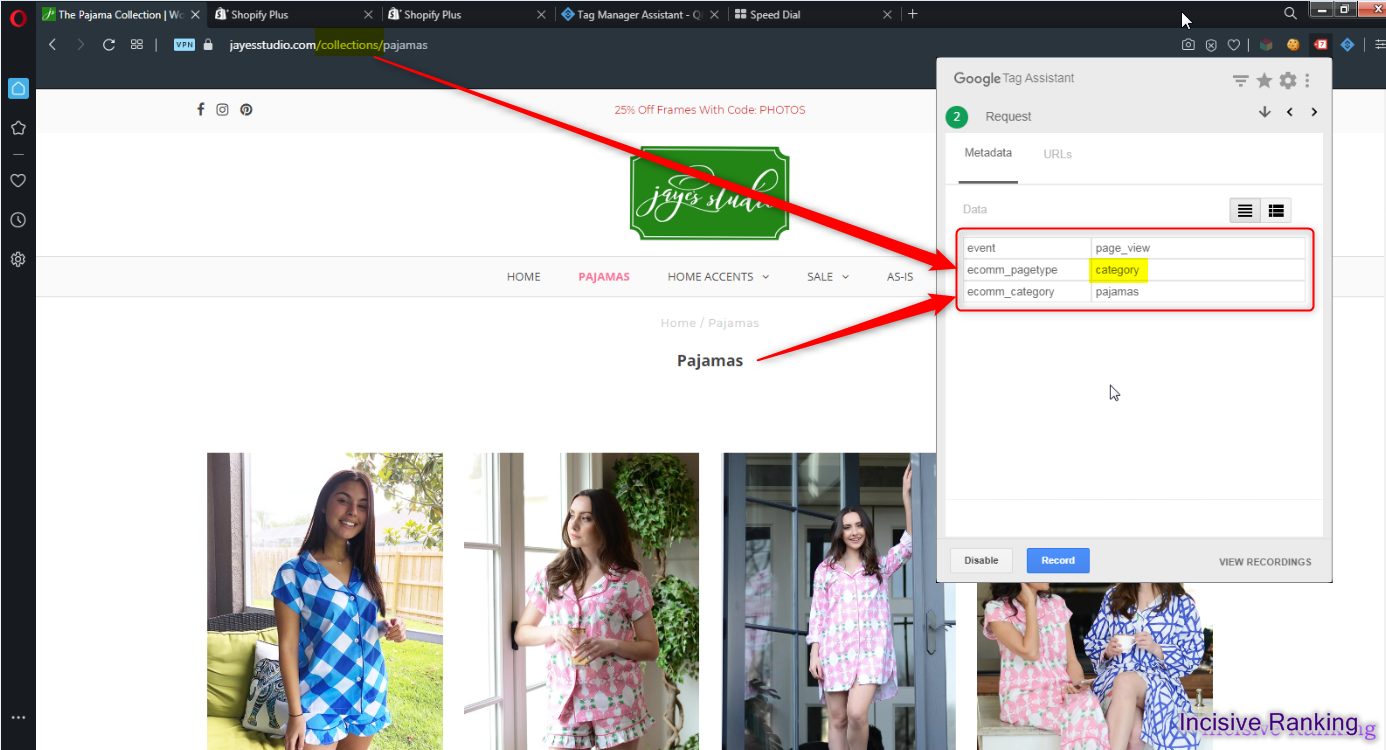
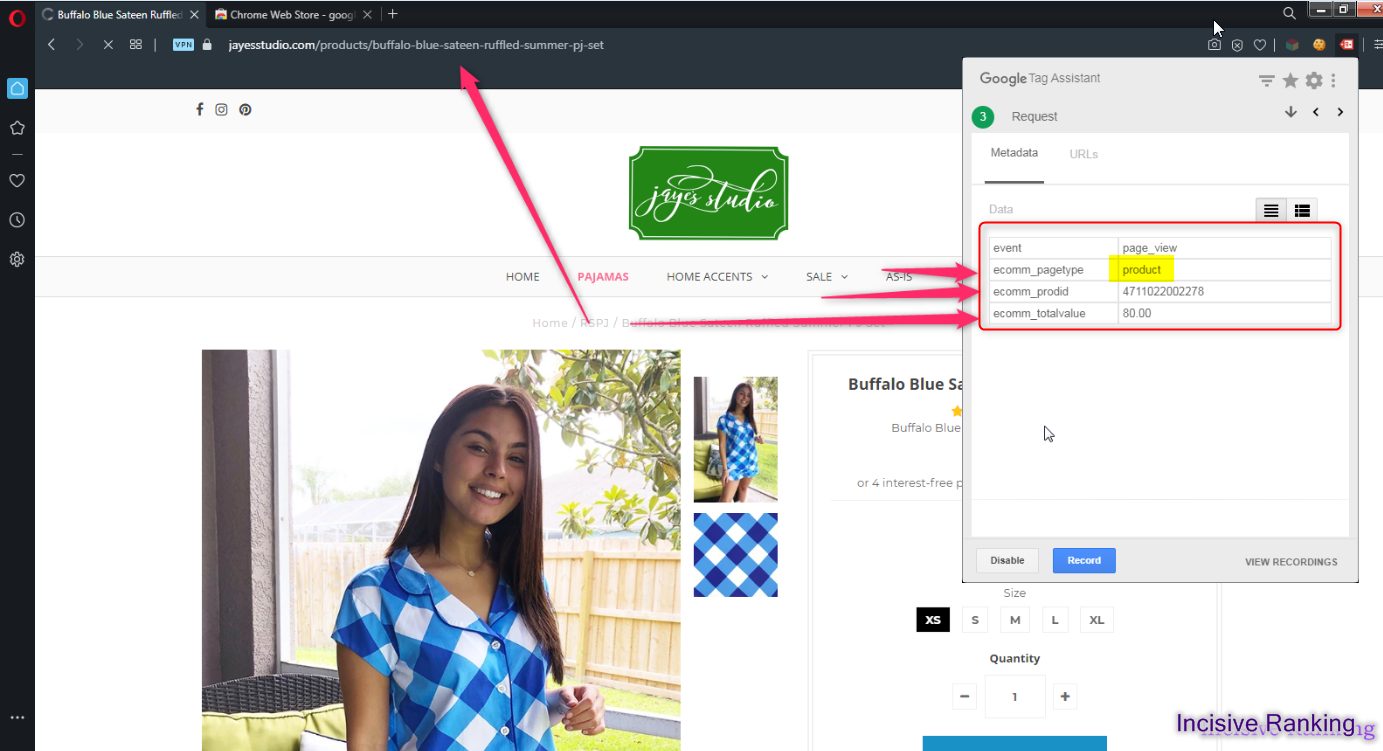
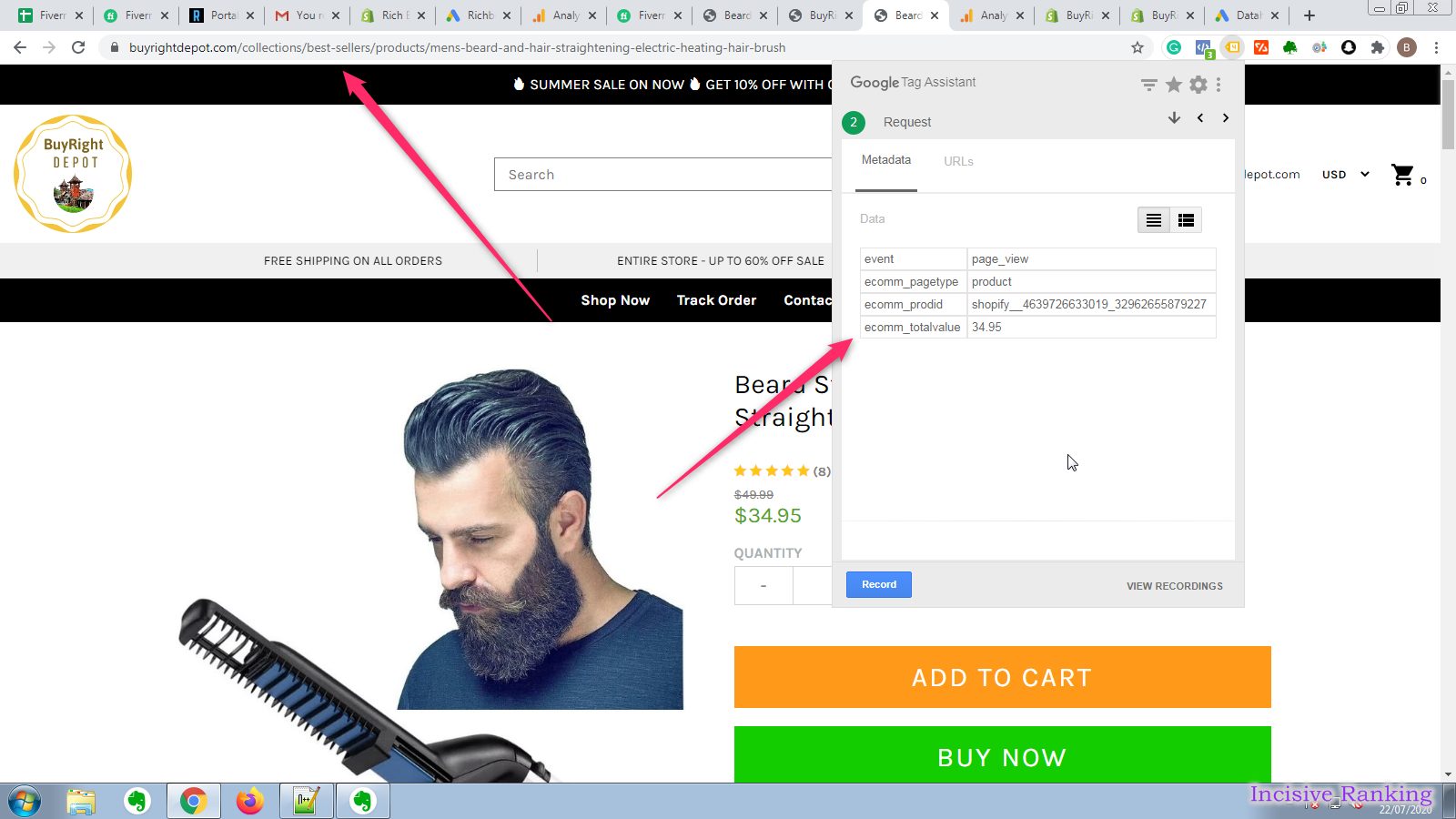
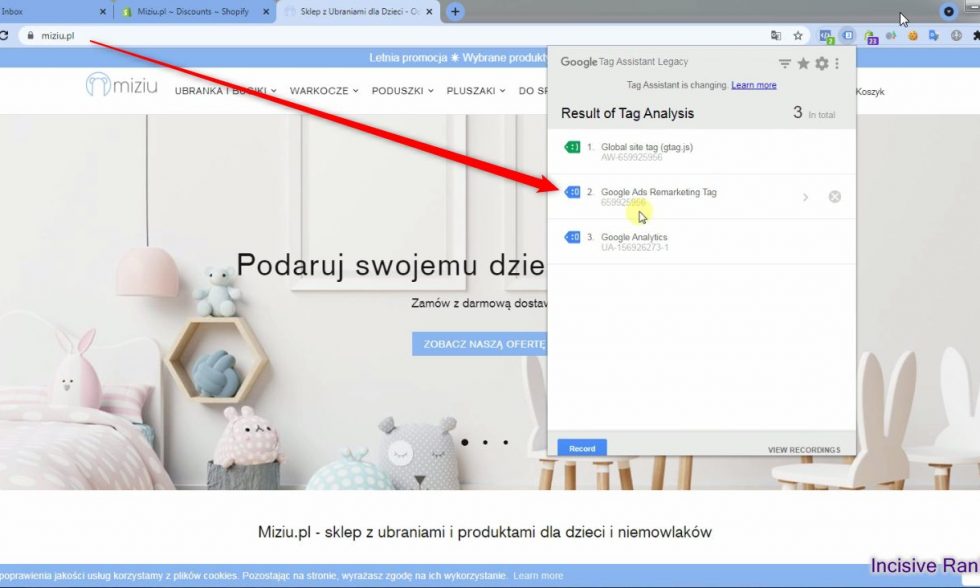
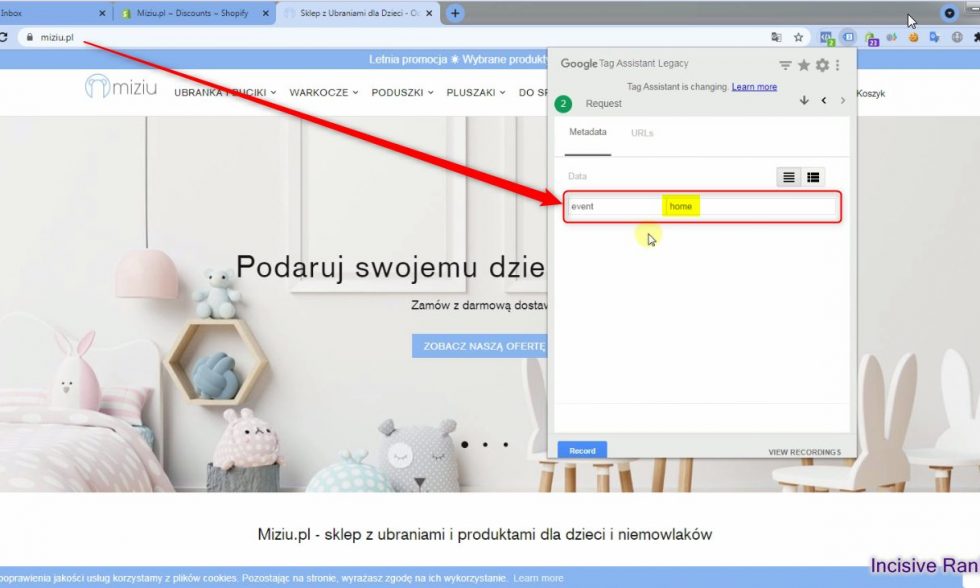
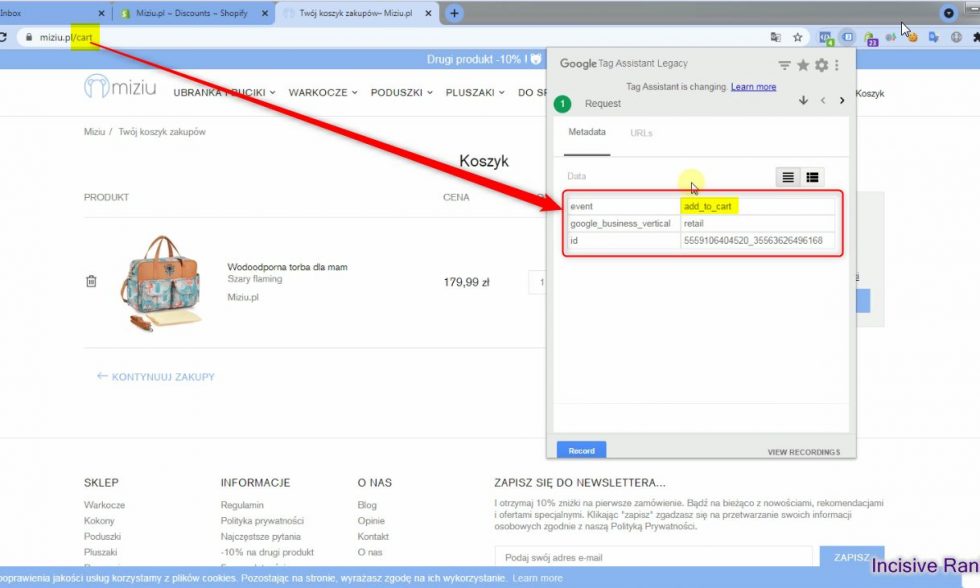
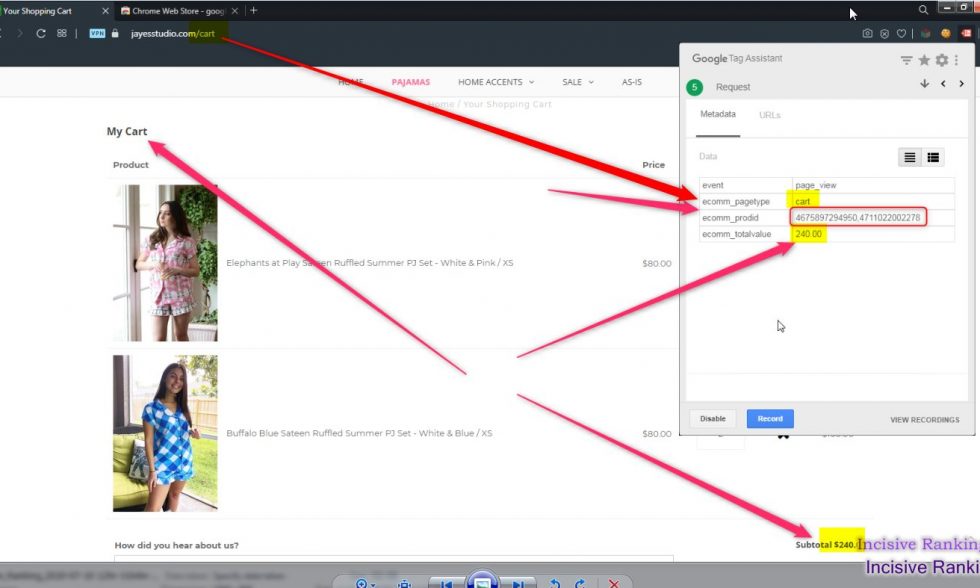
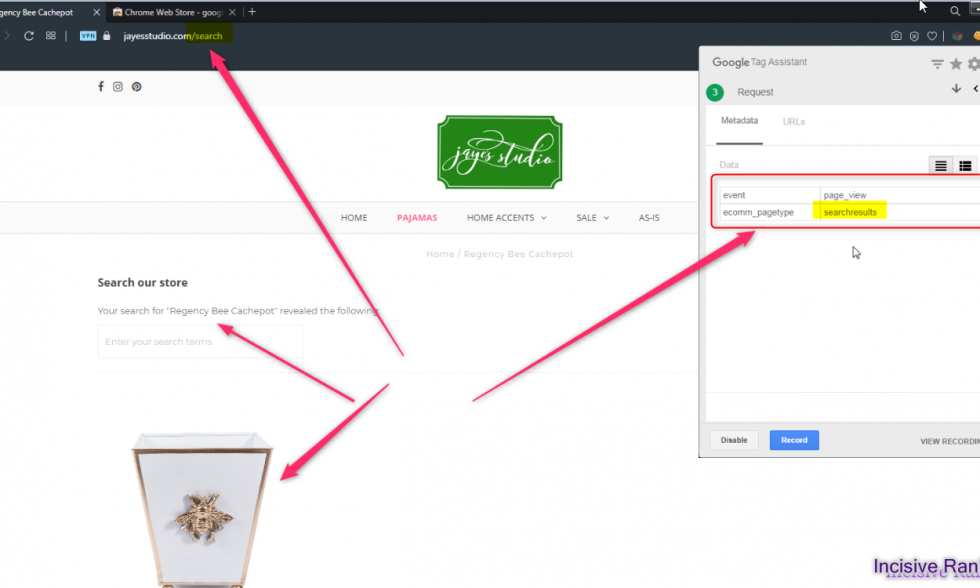
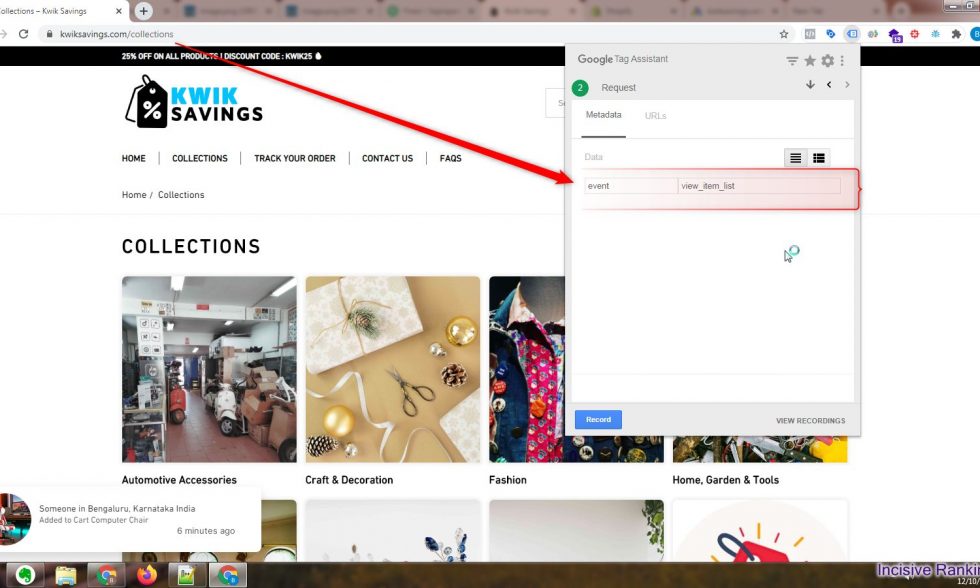
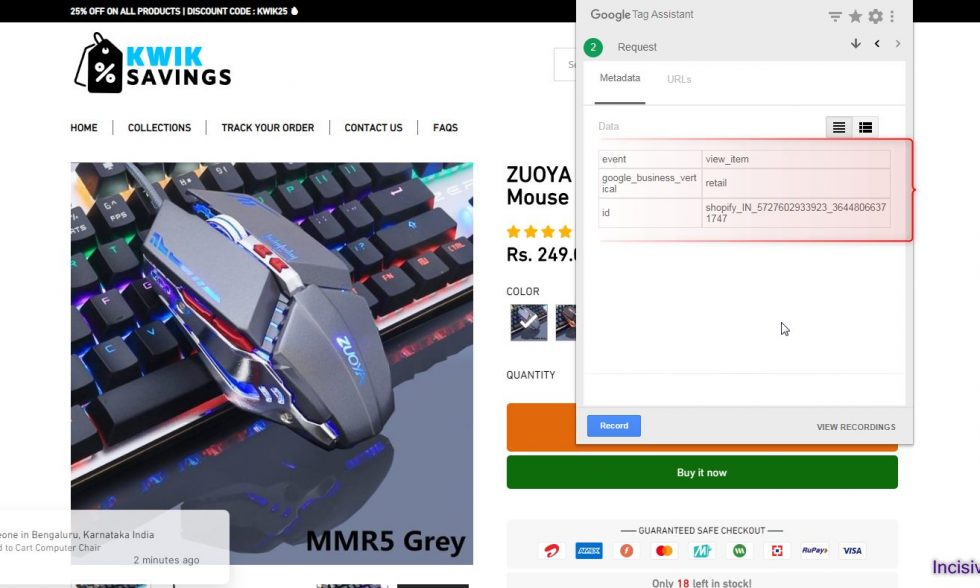
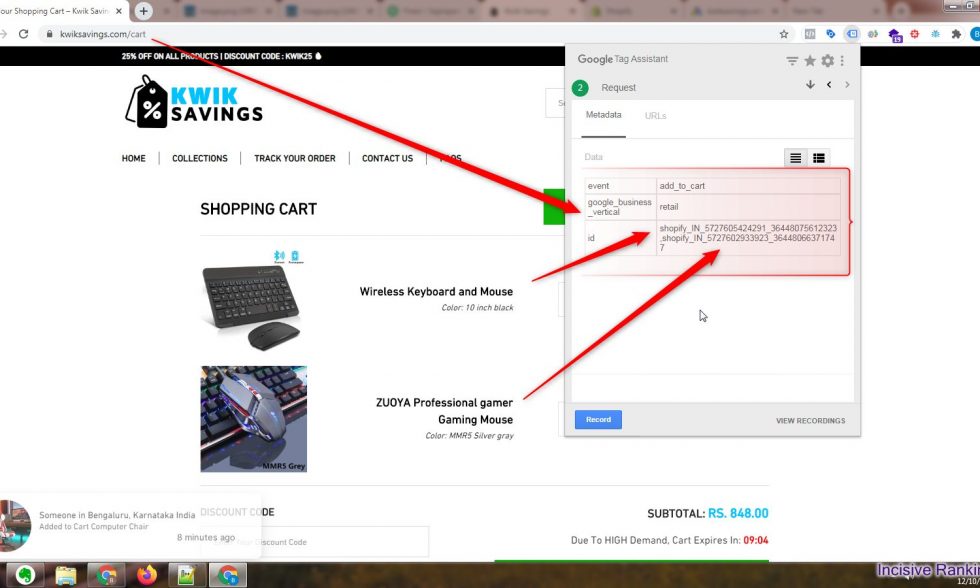
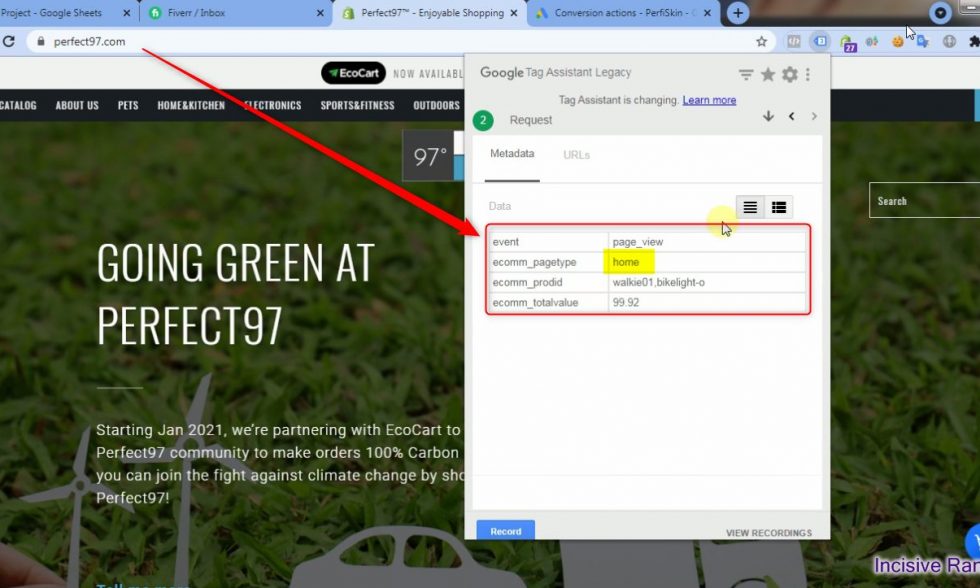
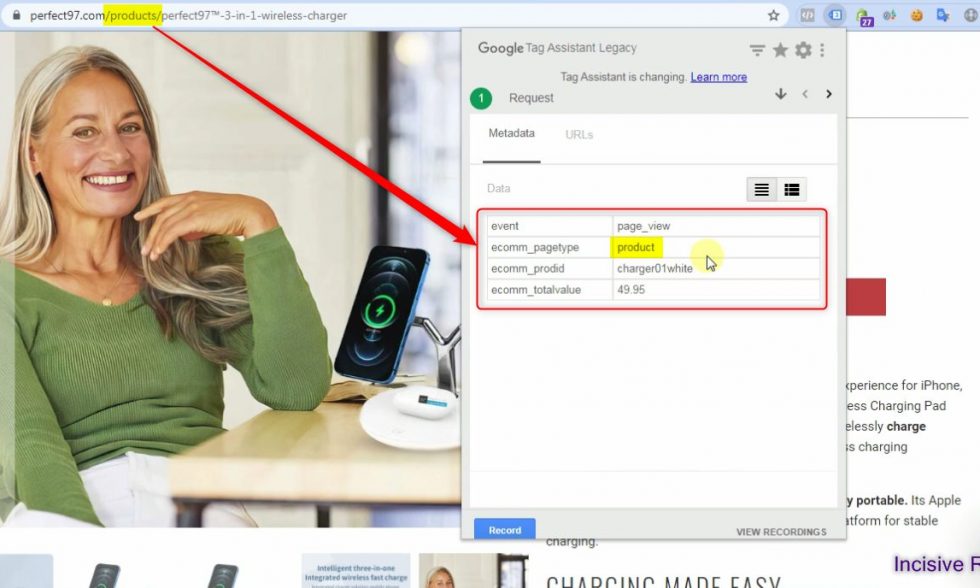
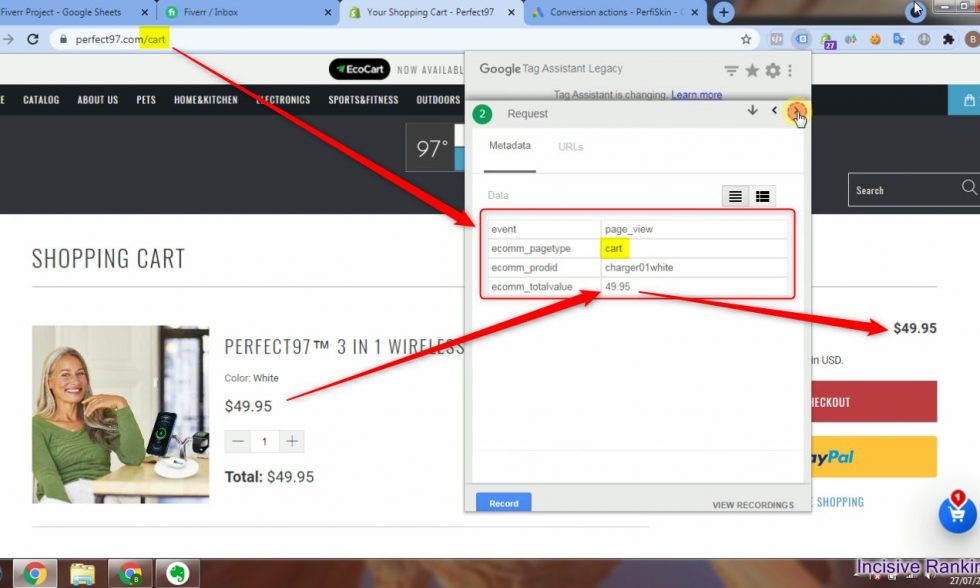
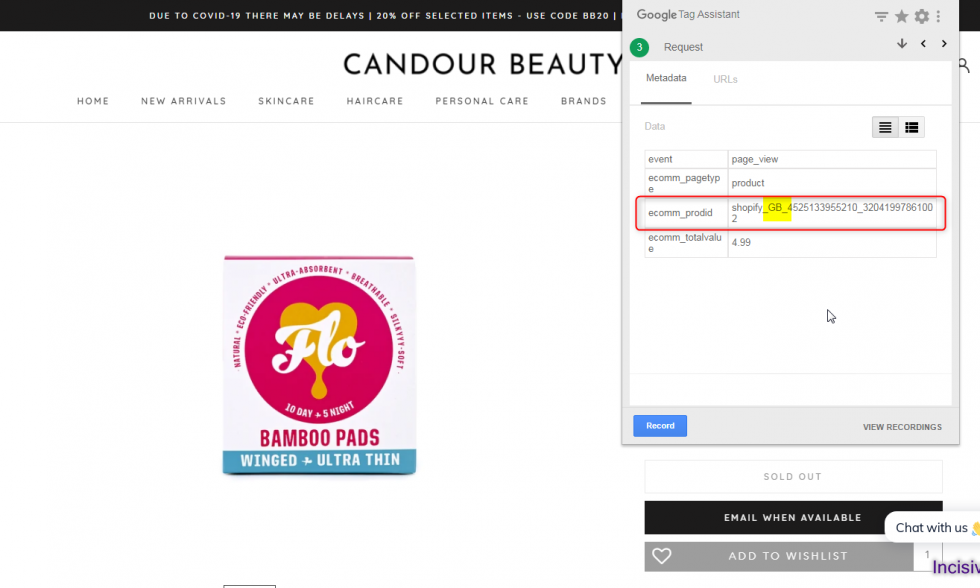
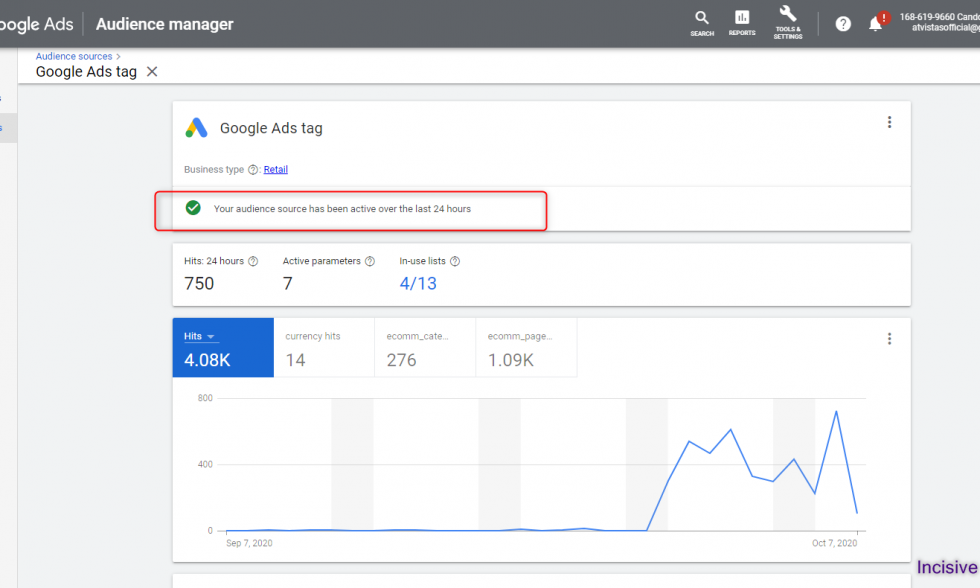
Here, I have attached the Successful Past Projects’ Results of my previous clients for Google Ads Dynamic Remarketing Tag Setup.
✅ Services Included in This Setup:
We don’t just install tags—we solve problems and maximize accuracy. Here are the core features delivered in our advanced dynamic remarketing setup:
- ✔ Google Ads Dynamic Remarketing Tag setup via Google Tag Manager
- ✔ eCommerce event tracking: view_item, add_to_cart, begin_checkout, purchase
- ✔ Server‑Side Container implementation to power dynamic feed-based remarketing
- ✔ Custom Data Layer configuration for eCommerce events
- ✔ Cross-platform support: Shopify, WordPress, BigCommerce, Squarespace, Wix, Magento, and custom CMS
🛠️ Fixes for Common Tracking Issues
We often resolve:
- ❌ Product feed misconfiguration or incomplete setup
- ❌ Remarketing tags not firing or not capturing dynamic parameters
- ❌ Poor personalization or low ad relevance due to missing event data
- ❌ Inaccurate conversion attribution from dynamic remarketing
💡 Our setup ensures personalized, pixel-perfect ads delivered to users who’ve interacted with your products—comprehensively and reliably.
🎯 Capturing Rich Remarketing Data
We ensure every critical data point is captured, including:
- Product ID, Name, Category, Price, Order Value, Currency
- Events: view_item, add_to_cart, begin_checkout, purchase
- Server-side tag to overcome browser limitations and ad blockers
Designed to fuel Google’s dynamic feed ads with clean, structured, and personalized signals.
🚀 Why This Server-Side Setup Works
- Highly Personalized Ads: displays exact products users viewed—boost ROI
- Improved Feed Accuracy: uses server-collected data to ensure dynamic parameters are precise
- Resilient to Tracking Loss: uncaptured browser events are recovered server-side
- Better Campaign Performance: aligned data improves ad relevance, remarketing reach, and ROAS
👨💻 Why Clients Choose Incisive Ranking
At Incisive Ranking, tag deployment is strategic. With over six years tracking experience, we leverage server-side tagging for robust results. We specialize in:
- 🏷️ Google Tag Manager & Server-Side containers
- 📊 Google Ads Conversion & Dynamic Remarketing tagging
- 🛍️ eCommerce platform integrations across major CMS
- 🔄 Advanced server-side event strategies for optimized remarketing
✅ Ready to Launch Dynamic Remarketing That Converts?
Book a Free 30‑minute Tracking Transformation Call and let us implement or audit your Google Ads Dynamic Remarketing Server‑Side Tagging—bringing personalization, performance, and accuracy to your campaigns.









What is Google Ads Dynamic Remarketing?
Dynamic Remarketing for shopping ads is an advertising method that allows businesses to display personalized product advertisements to customers who have previously interacted with their website or mobile app. Businesses can develop targeted ads that display products to those consumers who have already viewed or added your products to their shopping cart using Google’s sophisticated advertising platform.
This strategy creates advertising that is highly relevant and personalized to each particular user based on data such as website or mobile app usage, demographics, and interests.
The ads can be distributed across Google’s massive network of websites and mobile apps, including Google Search, YouTube, and Gmail, as well as millions of websites and apps with whom Google has partnered.
What are the things one should do before starting with Dynamic Remarketing Google Ads setup?
So, here is the list of things you need to do before starting with Dynamic Remarketing Google Ads setup:
- Create a product feed : containing the products or services that you wish to show to the user. You can only submit specific product categories, not all of your products (for example, phones).
- Customize the remarketing tag : the remarketing tag sets/collects a cookie and sends dynamic parameters to Google servers.
- Dynamic display advertisements : design display ads that feature your products.
- Set up a Remarketing Tag in Google Tag Manager – To learn more on this follow the blog “Dynamic Remarketing”
Benefits of setting up Google Ads Dynamic Remarketing Tag for your business
Google Ads Dynamic remarketing tag for shopping ads is a highly effective technique for businesses to enhance conversions and revenue. It can help to boost brand exposure, customer loyalty, and ultimately revenue by reminding users of things they have previously expressed interest in. Google dynamic remarketing tag is a strong tool for businesses looking to take their advertising to the next level, it has comprehensive targeting capabilities and a real-time bidding mechanism. It captures Google Ads dynamic remarketing events like view_item, addtoart, begincheckout, and purchase. One should also have some basic knowledge regarding the various Google Ads conversion tracking metrics to know how to optimize their Google Ads.
How does Google Ads Dynamic Remarketing Tag work?
Before anything you first need to implement the dynamic remarketing code in the backend of the website as this dynamic remarketing code will help you with the dynamic remarketing Google Ads setup through GTM or any other plugin or techniques.
Let’s understand it with an example: Let’s say that a customer, while they are logged in to their Google Ads account, clicks on your Google Ad campaign, which you are conducting to redirect them to a certain product. Say, the client did not convert after arriving at the website but rather surfed around. Later, when the customer returns to the website directly, the Google Ads enhanced conversion tag will send the first-party customer data in your conversion tracking tags, hashed, and then sent to Google Ads in its hashed form, where it is then used to match your customer’s Google accounts. Now the Google Ads Remarketing tag captures Google Ads dynamic remarketing events like view_item, addtoart, begincheckout, and purchase. This data and next time you run a remarketing ads the ad is shown to those specific customers only.
Summary
Dynamic remarketing for Shopping Ads takes advertising personalization to the next level by showcasing specific products users previously viewed on your website, directly within their subsequent Google Ads. Implementing it can be a game-changer for your e-commerce strategy. By delivering hyper-personalized ad experiences, you can boost engagement and conversions. So, why not give it a try and see the magic of dynamic remarketing unfold for your business?
Feel free to ask if you have any questions about specific aspects of the process or need further guidance on setting up your Google Ads dynamic remarketing tag.
Why Audit First?
Tracking errors can devastate your data, conversions, strategic decisions, and revenue. My approach begins with a thorough audit of your tag setup, uncovering missing google conversion tag implementations, identifying duplicate conversions in Google Ads, and offering best-practice solutions aligned with industry standards.
I am available here!
Find Me On


